Original 1086 x 1448Output 1440 x 1440
144px
120px
119px
131px
Use the mouse wheel to zoom. Hold the left mouse button and drag to pan.
Batch crop, remove backgrounds, resize, and align ecommerce product photos with AI subject detection, margin controls, and marketplace-ready exports.
Use the mouse wheel to zoom. Hold the left mouse button and drag to pan.
Built for the marketplaces you ship to













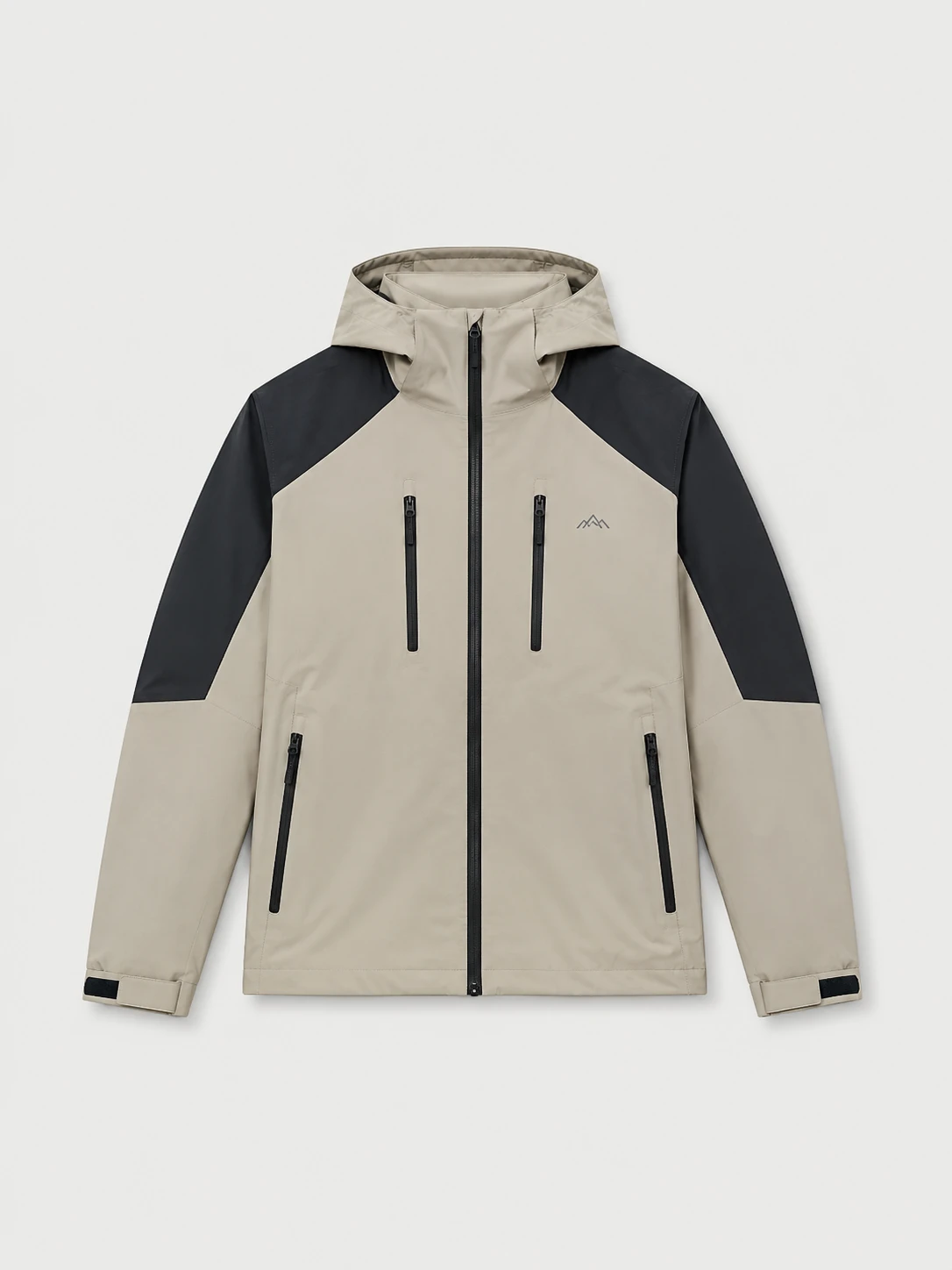
Crop pro detects the product in every shot, then lets you nudge its position inside the export frame — so the jacket sits the same way on Amazon's 1600px square as it does on Shopify's 2048×2732. Built-in templates for the marketplaces your team already ships to.
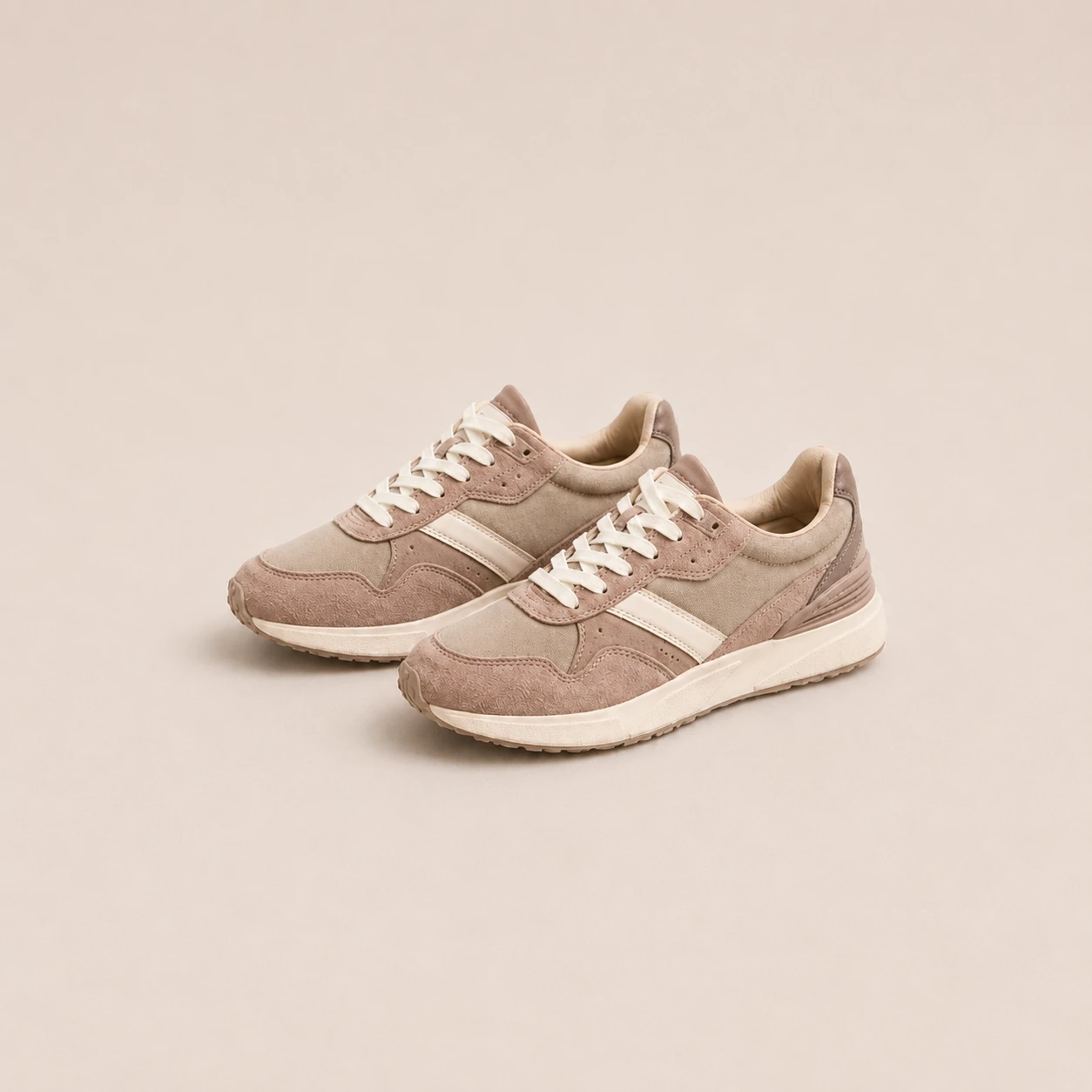

Remove the background, keep transparency or apply any background color, set custom subject margins, and export landscape, square, or portrait canvases from the same batch.
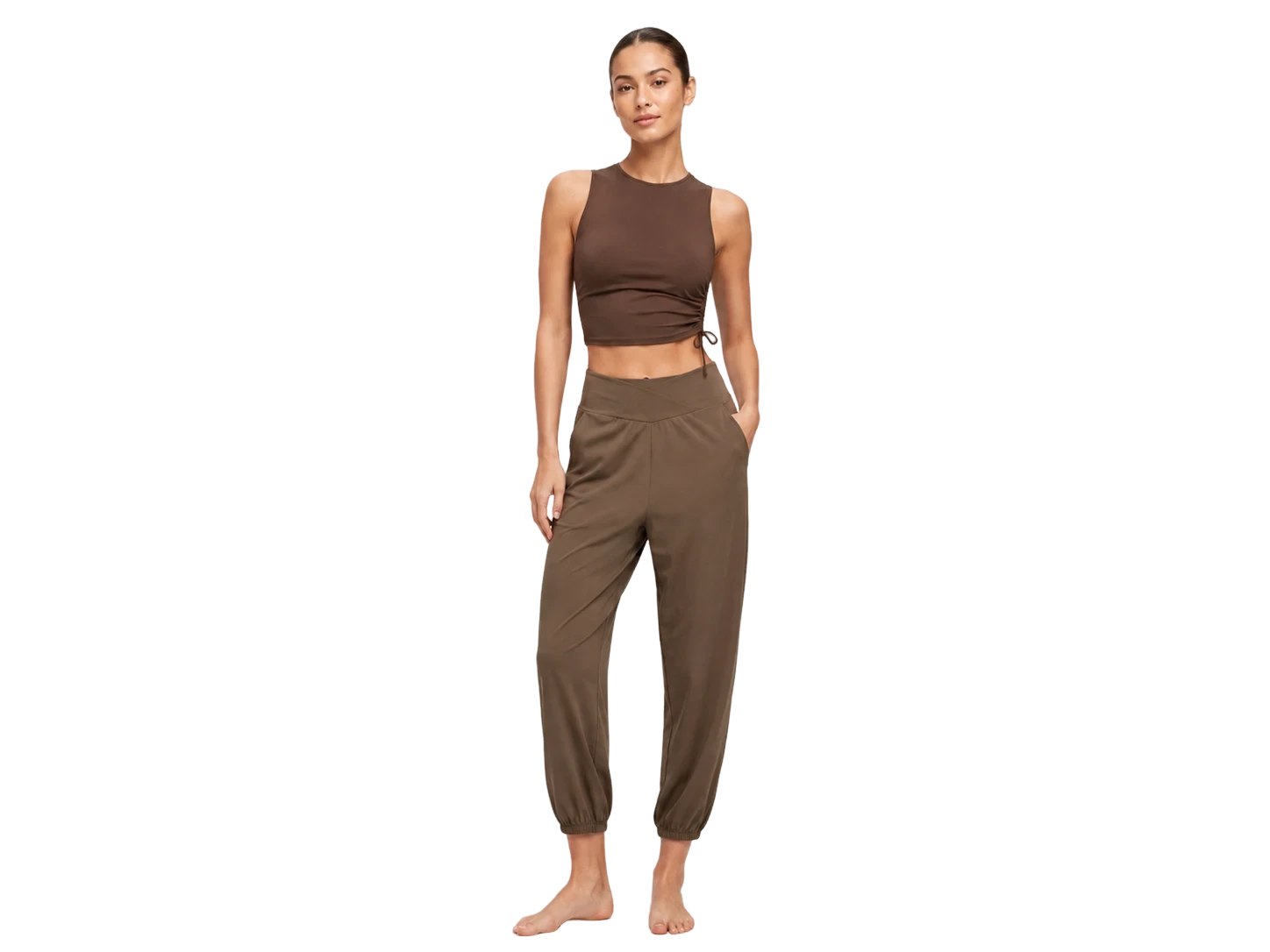
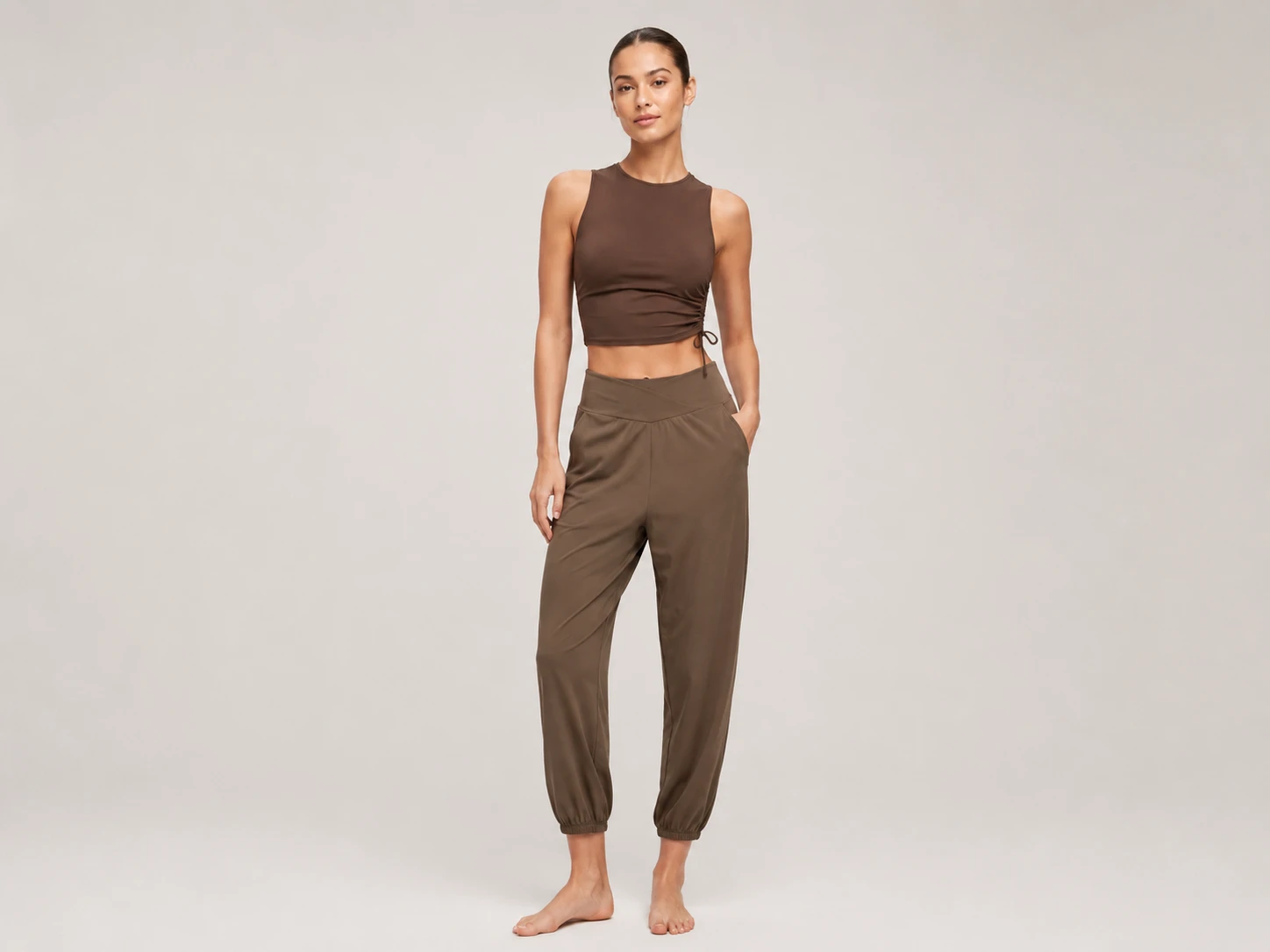
Headless Face Crop detects face and body markers, starts each crop from the marker you choose, and lets you fine-tune the retained area before exporting standardized outputs.
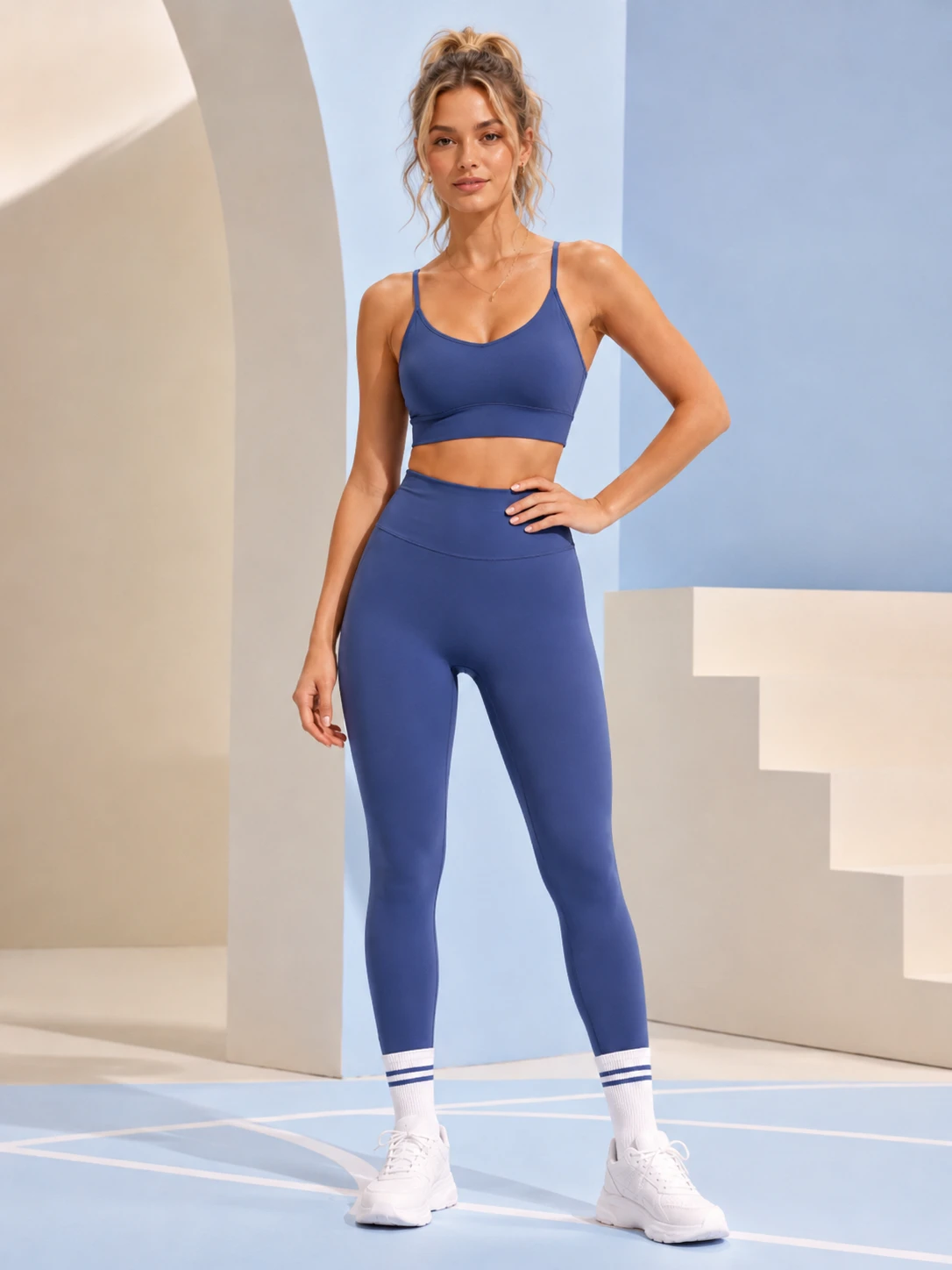
Crop pro reads facial landmarks on every model image, then reframes on the line you chose — so a thousand shots come out of the same camera, even when they didn't.
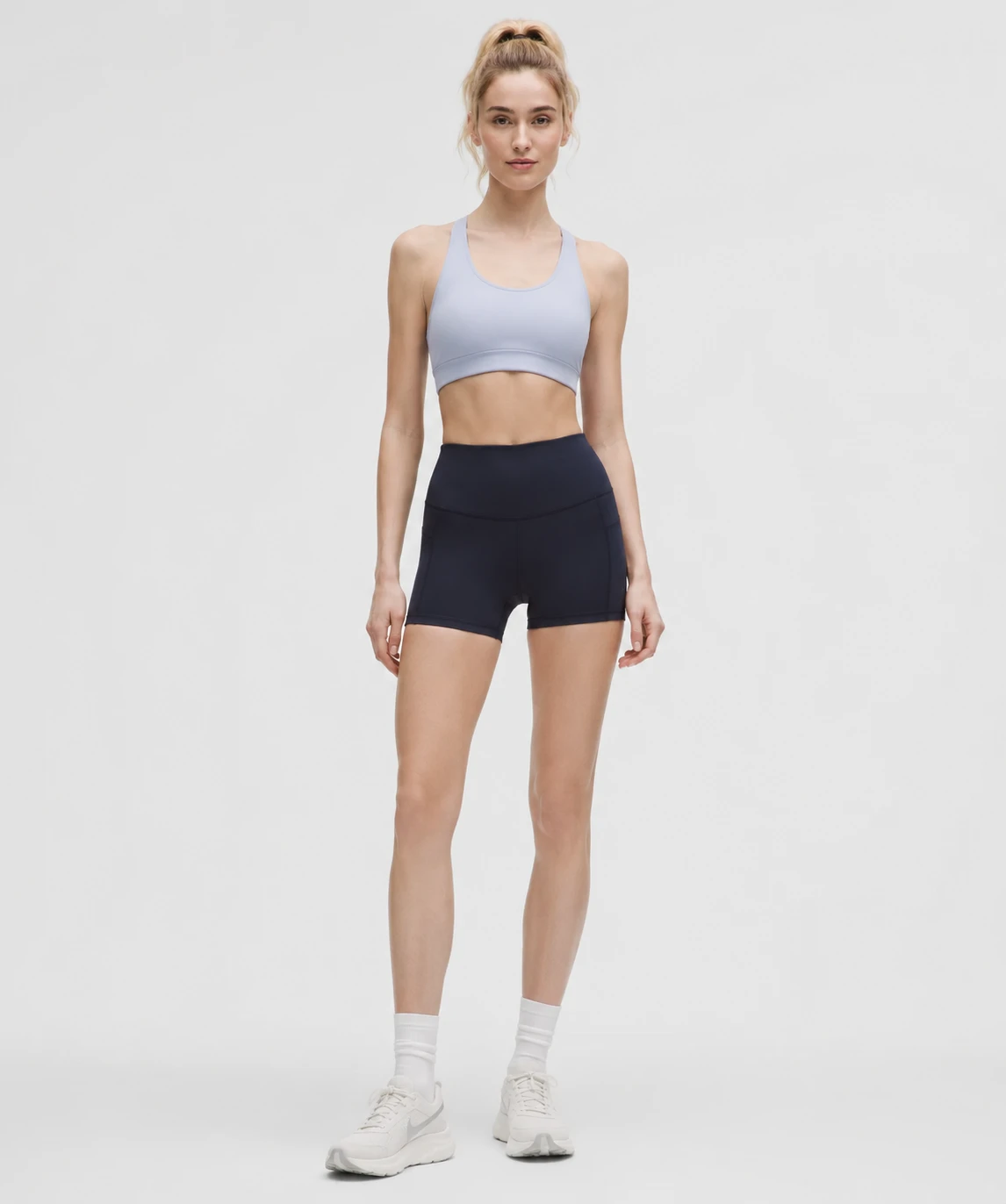
Drop a marker on any landmark — chin, collarbone, hemline — and we'll match it across the batch.
Set a custom lineUp to 5,000 images at once. ZIP, RAW, JPG, PNG, WebP — Crop Pro takes them all.
Aspect, output size, cut line. Or load a saved profile from a previous batch.
Scrub through a side-by-side preview before anything is committed.
Download a ZIP, push to Shopify, S3, Drive, or a custom webhook.
"We used to keep two retouchers on staff just to crop and cut out new drops. Crop Pro replaced the queue. A 600-image catalog goes live the same afternoon it's shot."
Save up to 50% with an annual plan.